How to Cancel a SHEIN Order: When It Works, Partial Cancels and Refund Timing
Cancel a SHEIN order from My Orders if the Cancel button shows. Learn what to do once it ships, how to cancel one item, what it costs and when refunds arrive.
- 8 min
- 6 steps
- 8 questions
- 7 sources
Key facts
- Where to cancel
- My Orders, then the Cancel button on the order
- No Cancel button
- The order’s status no longer allows it
- Already shipped
- Receive it, then return it with the label
- Cancel one item
- Order Details, then Cancel Item
- Add items to an order
- Within 60 minutes, if the button shows
- Customized items
- Cannot be canceled
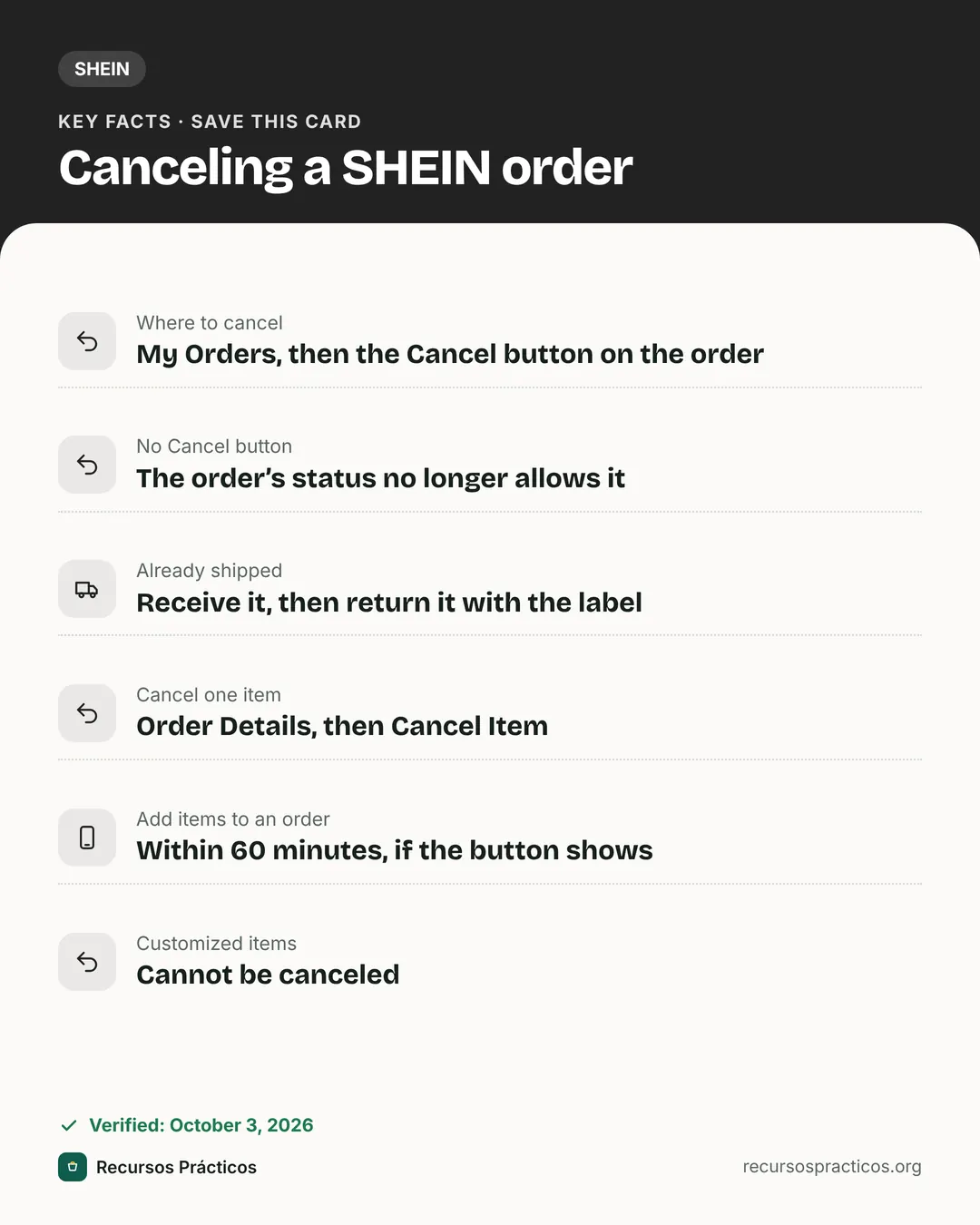 Download fact cardAn image with the key facts to save on your phone.
In this guide
- How do you cancel an order on SHEIN?
- When can you cancel a SHEIN order?
- Can you cancel one item from a SHEIN order?
- What if you ordered the wrong size or forgot an item?
- What if your SHEIN order has already shipped?
- Which SHEIN orders cannot be canceled?
- Can SHEIN cancel your order?
- How long does a refund take after you cancel?
- Cancel button missing? What to do
- Quick answers before you tap Cancel
Most people searching “SHEIN how to cancel order” want the same thing: stop the order before it ships, do it in a couple of taps and get the money back. SHEIN’s US help center has a short and fairly firm answer, and a few details around it (single-item cancels, shipping fees, customized items) are worth knowing before you tap anything.
Based on SHEIN’s US help center articles “How do I cancel my order?” and “Can I change or modify my order?”, the SHEIN US Refund page, the Return Policy, the Shipping Information page and the Terms of Use (updated Sep 3, 2026), all read on Oct 3, 2026. SHEIN does not publish a list of order statuses and when each one allows cancellation, so I do not list them. The rule is simply whether the Cancel button is available.
How do you cancel an order on SHEIN?
- Open My Orders on the SHEIN website or in the app.
- Select the order you want to cancel.
- Check for a Cancel button next to the order. If it is there, use it to cancel directly.
That is SHEIN’s whole official procedure. The refund then follows the rules further down. If the button is missing, the help article’s answer is that the order can no longer be canceled.

When can you cancel a SHEIN order?
SHEIN does not tie cancellation to a published list of statuses. The only thing it states is the outcome: when the Cancel button is available you can cancel, and when it is not, the order “can no longer be canceled due to its current status.” In practice that is the boundary the other help articles point to as well:
- Unshipped orders are the ones you can still change. SHEIN lets you edit the shipping address on unshipped orders, and says the address cannot be changed once an order has shipped.
- Shipped orders cannot be canceled or modified. SHEIN’s advice is to receive the order and return what you do not want.
- Unpaid orders cannot be corrected in place either: to fix a size, SHEIN says to cancel the order in My Orders and place a new one.
I also could not verify the names SHEIN shows for each status (such as “Processing” or “Shipped”) or which ones show a Cancel button, so I will not guess at them. If the button is not shown, treat the order as past the point of cancellation.
Can you cancel one item from a SHEIN order?
Yes, when the option is available. SHEIN’s guidance for removing an unwanted or duplicate item is: find the order under My Orders, open Order Details and choose Cancel Item. The rest of the order stays active.
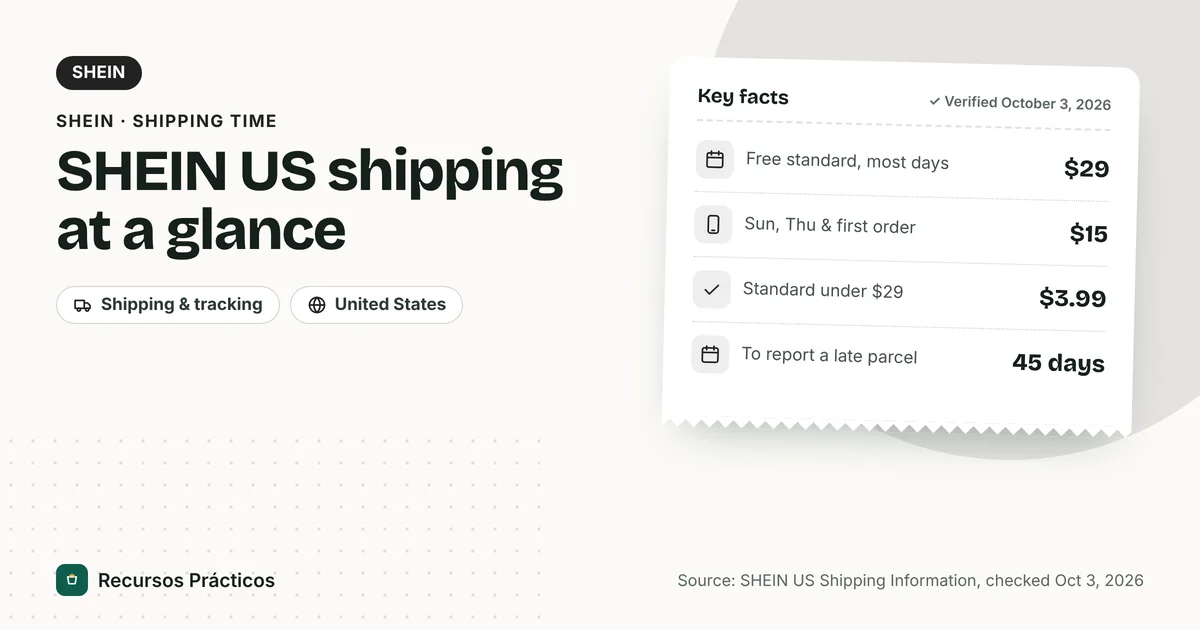
A quick example: you ordered $32 of items to get free standard shipping. Cancel a $5 item, you are at $27 and the $3.99 fee comes back. That is not an error, it is the rule. If the item is cheap, keeping it or adding something else may cost less than canceling.
What if you ordered the wrong size or forgot an item?
SHEIN’s “Can I change or modify my order?” article covers the common mistakes.
| Problem | What SHEIN says |
|---|---|
| Unwanted or duplicate item | My Orders > Order Details > Cancel Item |
| Forgot to add an item | If the order shows an “Add More Items To Order” button, you can add items within 60 minutes of placing the order. After that it is not possible; SHEIN recommends canceling the order and buying again. |
| Wrong size (unpaid order) | Cancel the order in My Orders and place a new one with the right size |
| Wrong size (already shipped) | The order cannot be modified. Apply for a return after it arrives if you are not satisfied |
| Wrong address (not yet shipped) | Click Edit Address in My Orders |
| Wrong address (already shipped) | The address cannot be changed |
| Cooperative brand orders | The exchange of items is not supported |
What if your SHEIN order has already shipped?
You cannot cancel it. SHEIN’s answer is: “we recommend receiving the order first. If you decide you do not want the items, you can return them for a refund using our return label.” That makes the return policy the next thing to check:
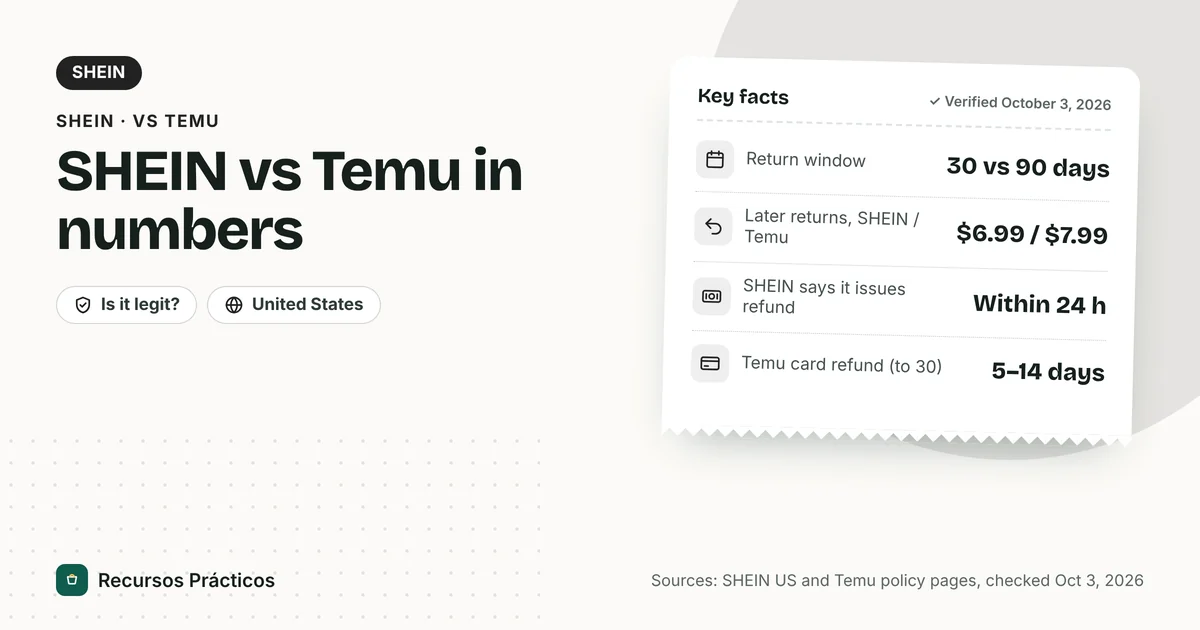
- Most items can be returned within 30 days from the delivery date.
- Bodysuits, lingerie, underwear, jewelry, accessories, cosmetics, pet products, clearance items, free gifts and customized items are non-returnable.
- Return fees and refund timing are covered in our SHEIN return policy guide.
Do not refuse the package at the door on the assumption that it counts as a cancellation. SHEIN’s help article does not say refusal cancels the order or triggers a refund, so I cannot tell you it works.
Which SHEIN orders cannot be canceled?
Customized items. SHEIN’s Return Policy says order cancellation for customized items is not supported, and they are non-returnable as well. If you order a personalized product, assume it is final the moment you pay.
Preorder items are also worth a look. The Shipping Information page says preorder and customized orders can take longer to arrive. Whether a preorder can be canceled depends on the Cancel button on that order; SHEIN does not give a separate rule.
Can SHEIN cancel your order?
Yes. SHEIN’s Terms of Use say that when you place an order you are making an offer to purchase, and that acceptance is at SHEIN’s (or the third-party seller’s) discretion, confirmed by an order confirmation email. The Terms also say SHEIN reserves the right to cancel orders if information on the site is inaccurate, even after the order has been submitted, and to cancel orders if it believes an account’s conduct violates the law or harms its interests.
If you never got a confirmation email, check the address you typed and your spam folder first. SHEIN’s help center suggests contacting customer service if no email arrives within 24 hours of placing the order.
How long does a refund take after you cancel?
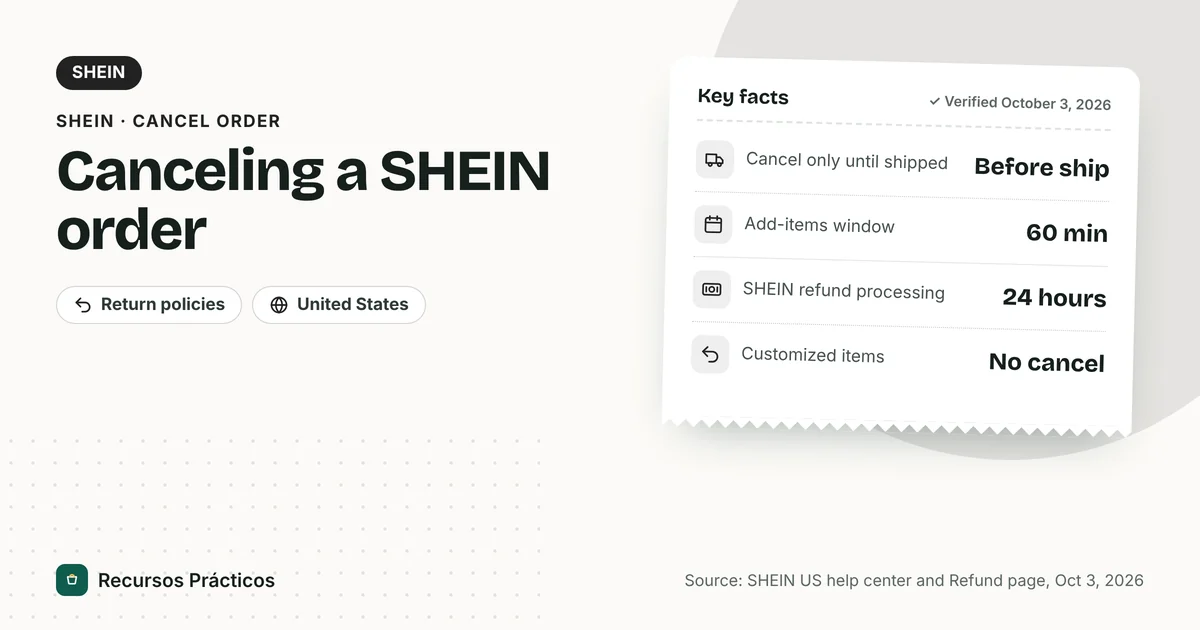
SHEIN’s Refund page says it processes refunds within 24 hours, and the time you wait after that depends on how you paid. Refunds go to your SHEIN Wallet or to the original payment method based on the refund method you selected.
| Payment method | SHEIN processing | Then your provider |
|---|---|---|
| SHEIN Wallet | 1 hour | None |
| SHEIN gift card | Within 24 hours | None |
| Afterpay | Within 24 hours | 1–2 business days |
| Zip | Within 24 hours | 1–3 business days |
| PayPal or Venmo | Within 24 hours | 2–5 business days |
| Cash App Pay | Within 24 hours | 2–10 business days |
| Affirm | Within 24 hours | 3–10 business days |
| Klarna | Within 24 hours | 5–7 business days (sometimes up to 14 days) |
| Credit or debit card | Within 24 hours | 5–10 business days (sometimes up to 30 days) |

- Wallet money cannot be withdrawn. It can only be used toward a future SHEIN purchase, so choose the original payment method if you want cash back and the option is offered.
- Refunds can only go to the original card. If it expired, SHEIN says to contact your card issuer.
- Installment plans: for Klarna, a partial refund is divided equally across the remaining installments; for Afterpay, Zip and Affirm it is applied from the last installment and works backward.
- If the money does not show up within the standard time, use the ARN (Acquirer Reference Number) when you contact your bank to trace it.
For general refund timelines across stores, see our refund timing guide. If you are comparing marketplaces, the cancel steps for Temu and AliExpress are different.
Cancel button missing? What to do
- Confirm the order status. If it already shows shipped, cancellation is closed.
- Contact SHEIN customer service from your account if the order is wrong in a way the button cannot fix, such as a duplicate order. SHEIN’s article points to customer service for further help but does not promise a cancel.
- Otherwise, wait for delivery and return what you do not want within the 30-day window, using the label SHEIN provides.
Quick answers before you tap Cancel
- No Cancel button means no cancellation, not “try later.”
- Canceling one item can make you pay $3.99 shipping.
- You have 60 minutes to add items, not to cancel; SHEIN gives no time limit for canceling.
- Customized items are final.
- A shipped order becomes a return, and the return rules apply.
FAQ
How do I cancel my SHEIN order?
Go to My Orders on the SHEIN website or app, select the order and use the Cancel button next to it. If there is no button, the order can no longer be canceled because of its status.
Why can’t I cancel my SHEIN order?
SHEIN says that when the Cancel button is missing, the order can no longer be canceled due to its current status. Orders that have already shipped fall into that group, and customized items cannot be canceled at all.
Can I cancel a SHEIN order after it ships?
No. SHEIN recommends receiving the order and, if you do not want the items, returning them for a refund using the return label.
Can I cancel just one item on SHEIN?
Yes, where the option is available: My Orders, then Order Details, then Cancel Item. If it drops your total below the free-shipping threshold, the shipping fee is added to the order.
How long do I have to add items to a SHEIN order?
SHEIN says you can add items within 60 minutes of placing the order if the “Add More Items To Order” button appears. After that you would need to cancel and reorder.
How long does a SHEIN refund take after canceling?
SHEIN processes refunds within 24 hours. Then your provider needs time: from none for Wallet up to 5–10 business days for cards, sometimes up to 30 days.
Will I get my shipping fee back if I cancel?
SHEIN’s Refund page says the original shipping fee is non-refundable. It does not describe how that works for an order canceled before shipping, so check the refund amount.
Can SHEIN cancel my order?
Yes. Under its Terms of Use, SHEIN can cancel orders if site information is inaccurate, even after submission, or if it believes an account’s conduct violates the law or harms its interests.
 Keep reading · SHEIN
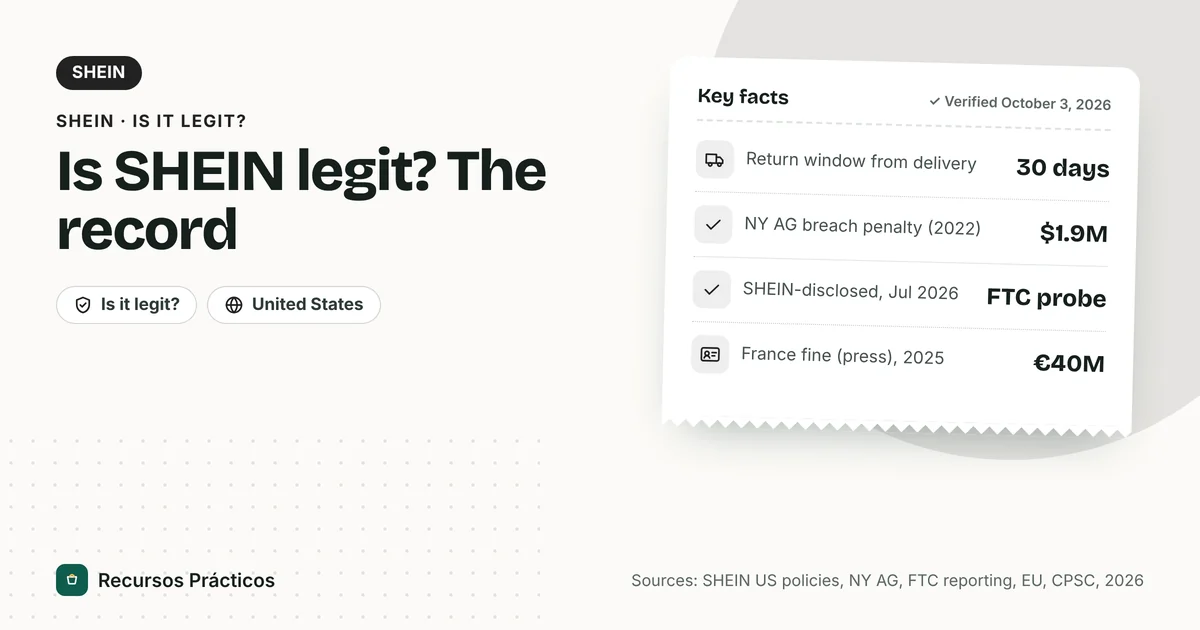
Is SHEIN Legit and Safe to Order From? Who Runs It, Buyer Protections and the Legal Record
Read guide →
Keep reading · SHEIN
Is SHEIN Legit and Safe to Order From? Who Runs It, Buyer Protections and the Legal Record
Read guide →