How Long Does a Refund Take? Walmart, Amazon, Target, PayPal and More
Refund timelines from official help pages: Walmart, Amazon, Target, Best Buy, PayPal, Apple Pay and Cash App, plus why card refunds post late and what to do.
- 9 min
- 8 steps
- 8 questions
- 13 sources
Key facts
- Walmart
- Up to 7 days to card (page wording varies)
- Target
- 2 days (Circle Card), 5 days (other credit cards)
- Best Buy (mail returns)
- Processed in 7–10 business days after receipt
- PayPal balance
- Same day
- Apple Pay
- Several days to show on your card
- Card issuer deadline
- 3 business days after the merchant credit arrives
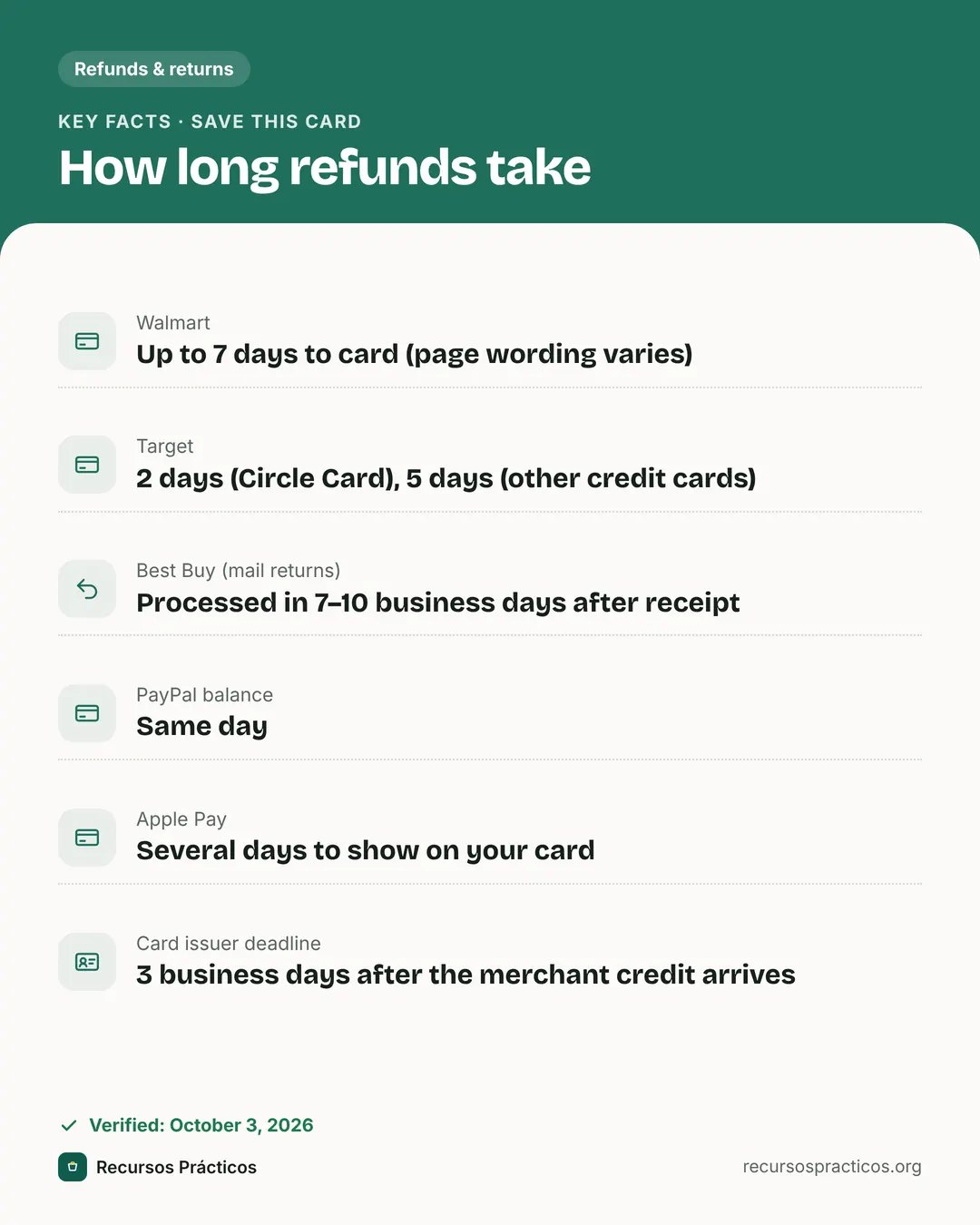 Download fact cardAn image with the key facts to save on your phone.
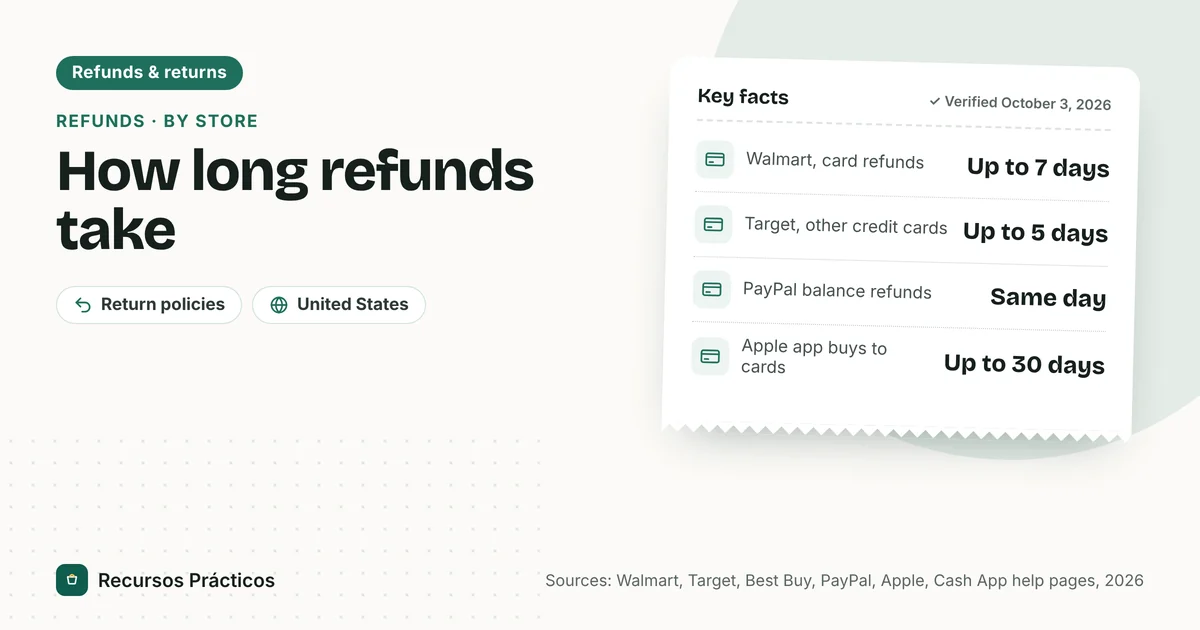
In this guide
- How long does a refund take to process?
- Refund timelines by store and payment method
- How long does a refund take from Walmart?
- How long does a refund take from Amazon?
- How long does a refund take from Target?
- How long does a refund take from Best Buy?
- How long does a refund take on PayPal?
- How long does a refund take on Apple Pay?
- How long does a Cash App refund take?
- Why does a card refund take so long to show up?
- Your refund is late: what to do
- What we couldn’t verify
“How long does a refund take?” has no single answer, because the refund passes through the store, the payment processor and your bank. This guide collects the numbers the stores and payment companies publish themselves, so you can tell whether you’re still inside the normal window.
Based on help pages from Walmart, Target, Best Buy, PayPal, Apple, Cash App (merchant documentation) and Amazon’s newsroom, plus the CFPB and the FTC, checked on Oct 3, 2026. Where a page didn’t give a figure we say so instead of filling it in. Amazon’s own help pages and Cash App’s consumer help pages could not be read automatically; Affirm and other buy-now-pay-later plans weren’t verified.
How long does a refund take to process?
Two stages are easy to mix up:
- Processing is the store receiving the item (or scanning it at the counter) and approving the refund. In-store returns are typically immediate at Target; mail returns need inspection first.
- Posting is the money reaching your account and showing up on your statement or balance. That’s the part card networks and banks control.
The figures in the table below mostly describe posting, counted from the moment the store approves the refund or processes the return. They don’t include the time the package spends in transit.
Refund timelines by store and payment method
| Store or service | Payment method | What the official page says |
|---|---|---|
| Walmart | Credit or debit card, bank transfer, PayPal | “Up to 7 days” on one refunds help page; another Walmart refunds article says up to 7 business days for cards and up to 30 business days for PayPal and prepaid cards. See the note below. |
| Walmart | Walmart gift card or balance, EBT/SNAP | Within 3 hours. |
| Target | Target Circle Card | Typically up to 2 days after Target approves the refund. |
| Target | Third-party credit card | Typically up to 5 days after approval. |
| Target | Mail-in return | After the Online Return Center receives it, an average of 7–10 additional business days before the refund is approved. |
| Target | Visa/Mastercard/Amex gift card | Usually 7–10 days, but can vary by merchant. |
| Best Buy | Mail return | Processed within 7–10 business days once received; depending on your bank, up to 10 more days to show on your account. |
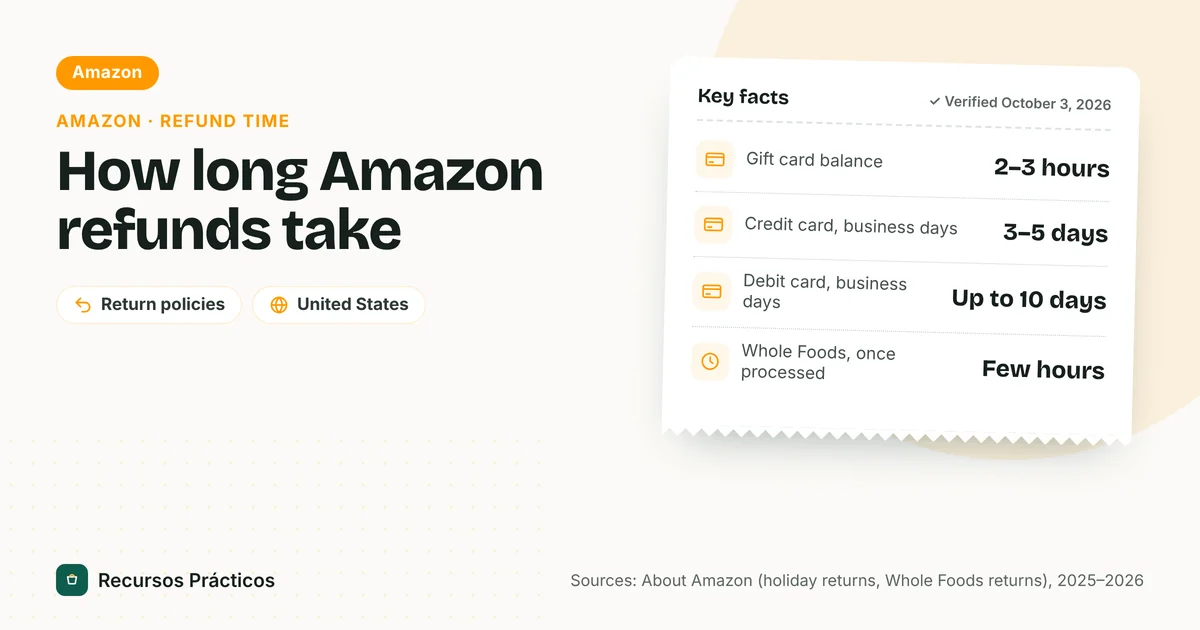
| Amazon | Gift card balance / credit card / debit card | 2–3 hours / 3–5 business days / up to 10 business days after processing. |
| PayPal | PayPal balance | Same day. |
| PayPal | Debit card | Generally up to 5 business days; some can take up to 30 days. |
| PayPal | Bank account | Up to 5 business days; up to 30 days if the original payment was pending. |
| PayPal | Credit card | Up to 1 to 2 billing cycles. |
| Apple (app and content purchases) | Card, Apple Pay, Apple Cash | It might take up to 30 days for the statement to show the refund; up to 48 hours for Apple Account balance; up to 60 days on mobile phone billing. |
| Cash App Pay (merchant docs) | Balance, linked debit card or bank | Up to 10 business days for Cash App to receive the refund, then it appears automatically. |

How long does a refund take from Walmart?
For credit or debit cards, Walmart’s refunds page says up to 7 days (another Walmart article says 7 business days). Walmart gift cards, Walmart balance and EBT/SNAP refunds come back within 3 hours. The refunds page says Walmart.com returns are refunded to the original payment method; if a card can’t be refunded, you may get store credit instead.
How long does a refund take from Amazon?
Amazon’s newsroom lists 2–3 hours to a gift card balance, 3–5 business days to a credit card and up to 10 business days to a debit card, counted after Amazon processes the return. The details, including what to do if it’s late, are in our Amazon refund time guide.
How long does a refund take from Target?
For store returns the refund is typically immediate at the register, and posting depends on your card: Target says up to 2 days for a Target Circle Card and up to 5 days for a third-party credit card after it approves the refund. Mail returns add an average of 7–10 business days after the return center receives the item. Details: Target return policy.
How long does a refund take from Best Buy?
Best Buy’s policy (effective Feb 23, 2026) says mail returns are processed within 7–10 business days of receipt, and that depending on your bank it may take up to 10 days after processing to reflect on your account. Big cash or check payments can come back as a check: if you paid more than $800 in cash, or more than $250 by check or by a debit card without a major credit card logo, Best Buy refunds by check within 10 business days. The page doesn’t give a separate timeline for in-store returns, so ask at the counter. See the Best Buy return policy guide.
How long does a refund take on PayPal?
PayPal’s “Where is my refund?” page splits it by funding source: same day for a PayPal balance; up to 5 business days for a bank account or debit card (some debit refunds up to 30 days); and up to 1 to 2 billing cycles for a credit card. If PayPal can’t put the refund back on a debit card, the funds go to your PayPal balance. For a prepaid or cancelled card, PayPal tells you to contact your card company.
How long does a refund take on Apple Pay?
Apple’s Apple Pay support page says a refund “goes back to your payment card automatically, but it might take several days to appear on your card statement,” and that processing policies vary by merchant. Merchants may ask for the last four digits of your Apple Pay card number, which differs from your physical card’s number; you can find it in Wallet on your iPhone or Apple Watch.
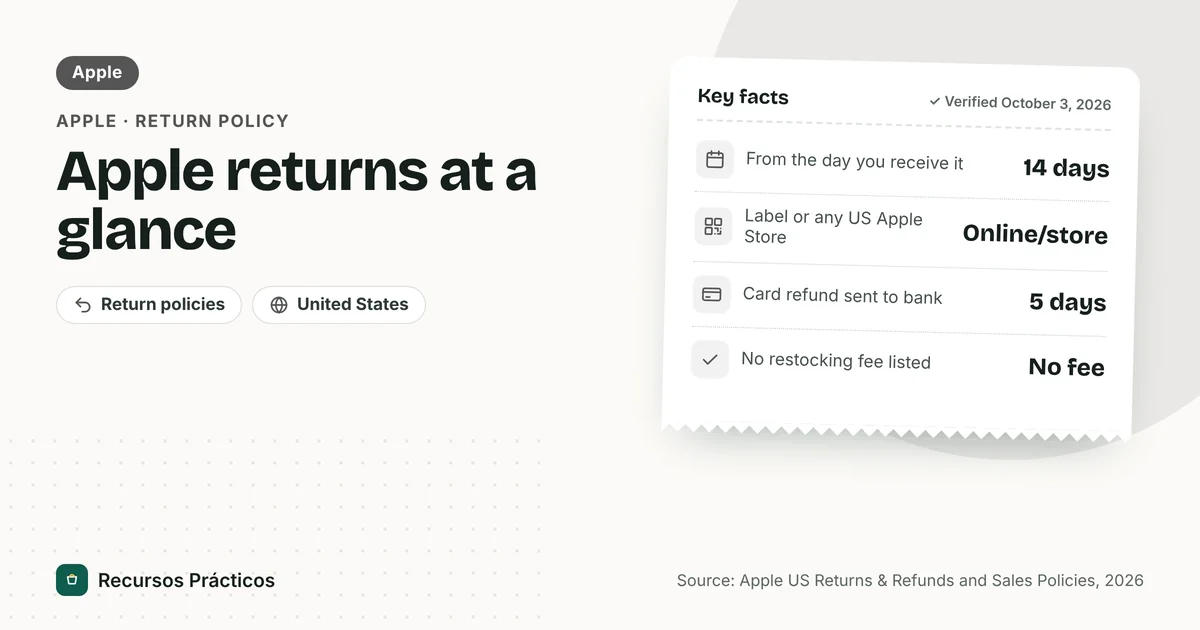
For apps, subscriptions and other content you bought from Apple, Apple says to allow 24 to 48 hours for an update, and that it might take up to 30 days for a card or Apple Pay refund to show on your statement (up to 60 days on mobile phone billing). If the card refund doesn’t appear after 30 days, Apple says to contact your financial institution. For Apple Store hardware, Apple’s retail policy says it will exchange or refund based on the original payment method, and that a refund will be issued within 10 business days provided the return is in its original, undamaged and unmarked condition. It gives no separate Apple Pay timeline.
How long does a Cash App refund take?
Cash App’s Cash App Pay merchant documentation says it can take up to 10 business days for Cash App to receive a refund, after which the funds automatically appear in the customer’s Cash App balance or linked debit card. Refunds to a balance go back to the balance; refunds from a linked card or bank go back there. Cash App’s consumer help pages didn’t load for us, so for a Cash App Card purchase or a person-to-person payment, check the app’s help center.
Why does a card refund take so long to show up?
- The store approves the refund and sends the credit on. It passes through the store’s payment processor to your card issuer. Stores don’t publish how long that leg takes.
- Your issuer credits your account. Under Regulation Z (§1026.12(e)), a card issuer must credit your account within 3 business days of receiving a credit statement from the merchant.
- Your app or statement shows it. Exactly when a credit shows in your app or on your statement depends on your bank.

Your refund is late: what to do
- Check the store’s own status. Look for “refund issued” in your order or return page and note the date.
- Compare with the table above. If you’re still inside the range for your payment method, wait.
- Contact the store first. The CFPB’s advice for credit card purchases is to reach out to the company that sold the product, explain the problem and request a refund or charge reversal.
- Contact your card issuer or bank if the store says it issued the refund and the timeline has passed.
- Dispute the charge if needed. The CFPB says you can contact your credit card company to see whether you can dispute the charge. For billing errors, send notice within 60 days of the charge appearing on your statement.
Your rights under the Fair Credit Billing Act
The FTC explains that the Fair Credit Billing Act sets out a dispute process for mistakes on credit cards and revolving charge accounts. The notice has to reach the issuer within 60 days after the first bill with the error was sent to you. Within 30 days of getting your complaint the issuer must acknowledge it in writing, and it has 90 days to resolve it (two billing cycles). You may withhold payment on the disputed amount while it’s investigated. For debit cards and wallets such as PayPal or Cash App, ask your bank or the provider how to dispute a payment.
What we couldn’t verify
- Amazon’s own help page timelines (we used Amazon’s newsroom) and Cash App’s consumer help pages.
- Affirm, Klarna and other buy-now-pay-later refund times; check the provider’s help center.
- Best Buy and Walmart in-store card refund timelines, which their pages don’t state separately.
- Whether Walmart’s two refund pages are current; neither displayed an update date.
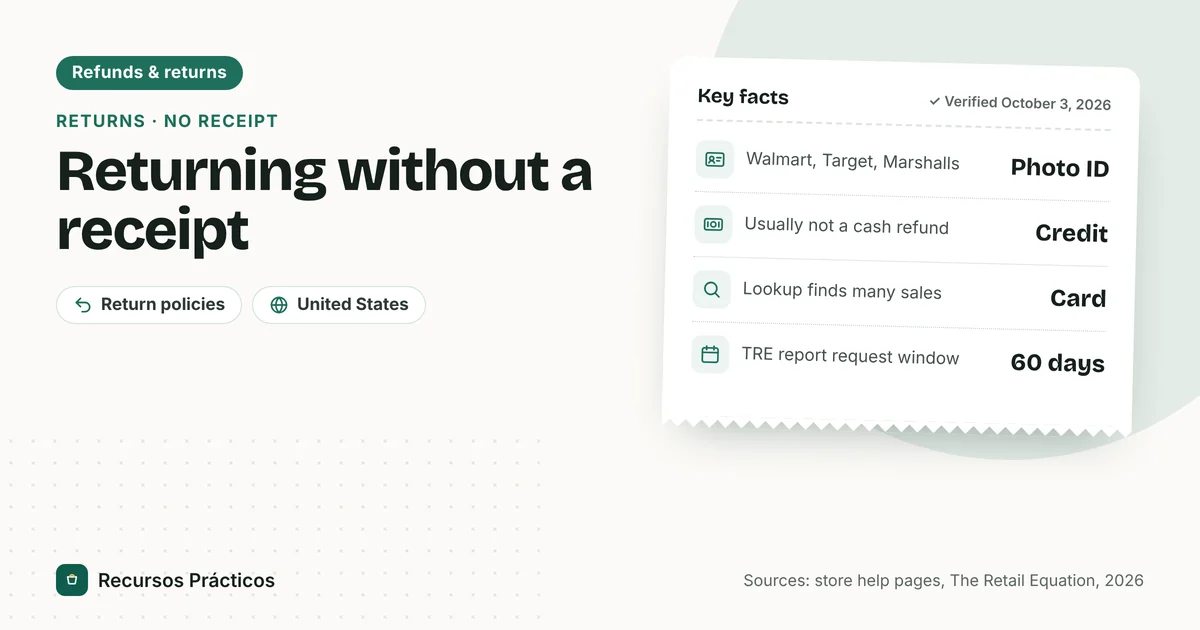
Need to return something without your receipt first? See how to return without a receipt, and check your window with our return deadline calculator.
FAQ
How long does a refund take to process?
It depends on the store and your payment method. After the store approves the refund, Target says up to 2 days to a Target Circle Card and up to 5 days to other credit cards; Walmart says up to 7 days to a card. Mail returns add time for inspection first.
How long does a refund take on PayPal?
Same day for a PayPal balance, up to 5 business days for a bank account or debit card (some up to 30 days) and up to 1 to 2 billing cycles for a credit card, according to PayPal.
How long does a refund take on Apple Pay?
Apple says the refund goes back to your card automatically, but it might take several days to appear on your statement. For Apple app and content purchases, up to 30 days.
How long does a refund take from Walmart?
Up to 7 days to a credit or debit card on Walmart’s refunds page (another Walmart article says 7 business days) and within 3 hours to a Walmart gift card or balance.
How long does a refund take from Amazon?
After Amazon processes the return: 2–3 hours to a gift card balance, 3–5 business days to a credit card and up to 10 business days to a debit card.
Why is my refund taking so long?
The store may not have processed the return yet, or the credit may be moving through your card issuer. Count from the date the store issued the refund, then contact the store first and your bank second.
How long does a credit card have to post a merchant refund?
Regulation Z says a card issuer must credit your account within 3 business days of receiving a credit statement from the merchant. The time before that depends on the store and its processor.
How long do I have to dispute a charge if the refund never comes?
For billing errors on a credit card, send notice to the issuer within 60 days of the charge appearing on your statement, per the CFPB and the FTC.
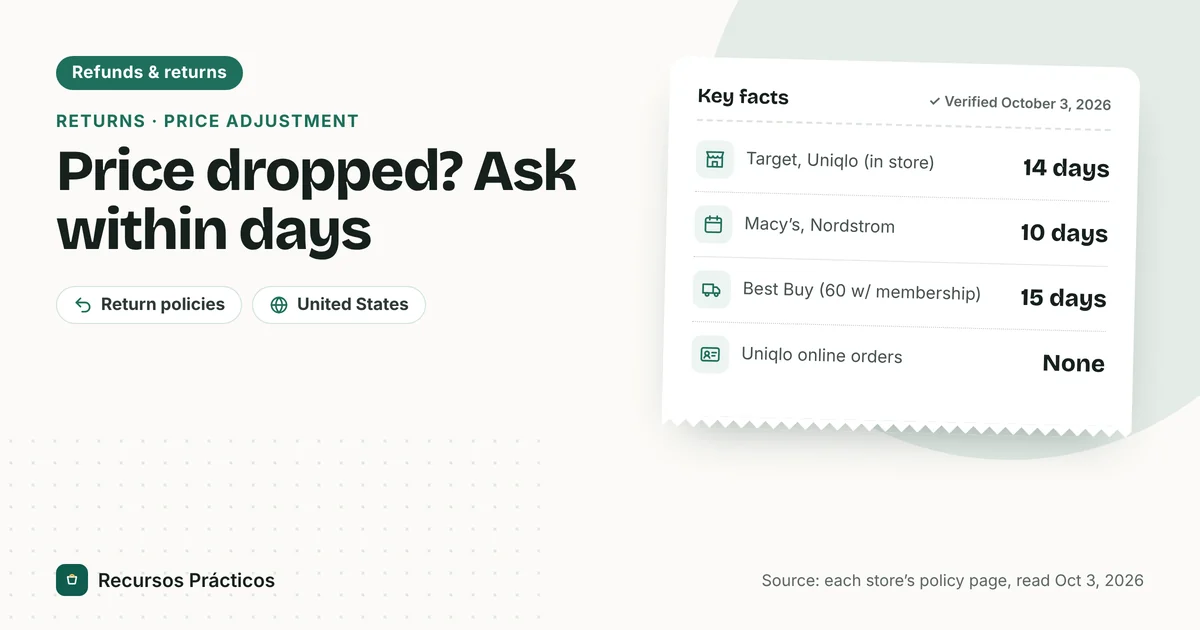 Keep reading · Refunds & returns
Price Adjustment Policy by Store: Costco, Target, Macy’s, Nordstrom, Best Buy, Uniqlo, Amazon and Old Navy
Read guide →
Keep reading · Refunds & returns
Price Adjustment Policy by Store: Costco, Target, Macy’s, Nordstrom, Best Buy, Uniqlo, Amazon and Old Navy
Read guide →
Sources
- Walmart Help — Refunds
- Walmart Help — Refunds (second article)
- Target Help — Returns
- Best Buy — Return & Exchange Policy (effective Feb 23, 2026)
- PayPal — Where is my refund?
- Apple Support — Get a refund for purchases made with credit or debit cards using Apple Pay
- Apple Support — Check the status of a refund for apps or content
- Apple — Retail Store purchase policies
- Cash App — Returns and refunds (Cash App Pay partner API FAQ)
- About Amazon — Holiday return policy 2025
- CFPB — How can I get a refund on a product or service I purchased with my credit card?
- CFPB — Regulation Z §1026.12
- FTC — Using credit cards and disputing charges