How to Cancel an AliExpress Order (and Get Your Money Back)
How to cancel an AliExpress order at every order status, what happens if the seller doesn’t reply (the 72-hour rule) and how long the refund takes.
- 3 min
- 7 steps
- 5 questions
- 3 sources
Key facts
- Awaiting payment
- Cancels instantly, no charge
- Awaiting shipment
- The seller must approve it
- Seller doesn’t reply
- Auto-closed and refunded after 72 hours
- Order shipped
- Can’t cancel: refuse or return it
- Refund goes to
- Your original payment method
- Refund time
- 3–20 business days after processing
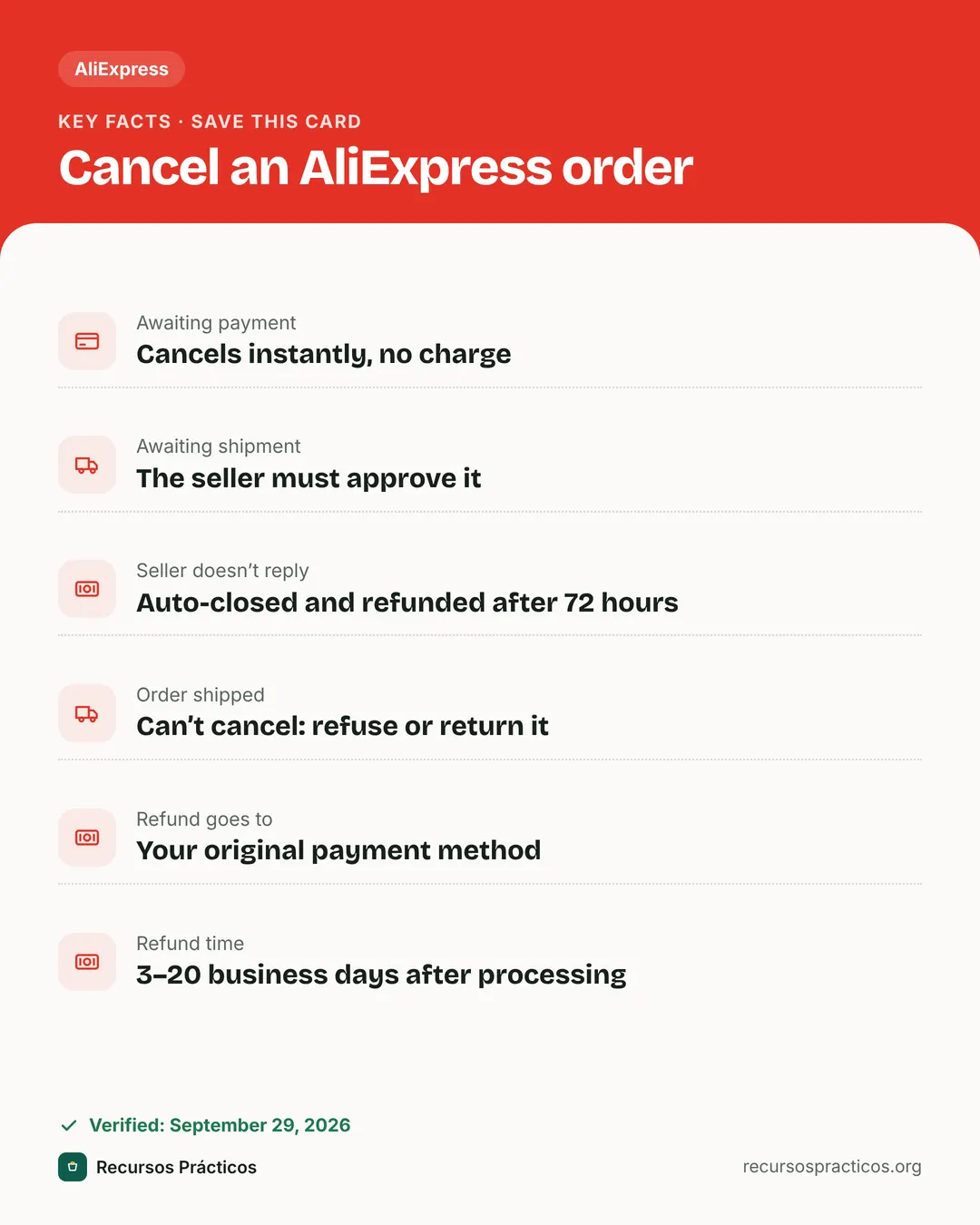 Download fact cardAn image with the key facts to save on your phone.

In this guide
Wrong size, found it cheaper elsewhere, or you simply changed your mind. You can cancel on AliExpress, but not always the same way: it all depends on where your order is in the process. This guide tells you exactly which button to press in each case and when your money comes back.
First, check your order status
Open the app or website, go to Account → My Orders and find the order. Its status is shown under the product, and it decides what you can do:
| Order status | Can you cancel? | What happens to your money |
|---|---|---|
| Awaiting payment | Yes, instantly | Nothing was charged. |
| Awaiting shipment | Yes, with seller approval | Refunded once approved or, if the seller doesn’t reply, after 72 hours. |
| Shipped | No | Refuse delivery or return the item after you receive it. |
Cancel an order you haven’t paid for
- Go to My Orders and open the orders awaiting payment.
- Tap Cancel order.
- Pick a reason and confirm. The order disappears from your unpaid list and you are not charged.

Cancelling it yourself avoids confusion if you later buy the same product in another variant or with a different coupon.
Cancel a paid order that hasn’t shipped yet
This is the most common case. Because you already paid, the seller has to accept the cancellation, since they may already be packing your parcel.
- Open the order in My Orders (status “Awaiting shipment”).
- Tap Cancel order.
- Select a cancellation reason and tap Submit.
- Message the seller in the order chat and ask them to approve it: it speeds things up.
The 72-hour rule: if the seller doesn’t respond to your request within 72 hours, AliExpress automatically closes the order and returns the money to your account. You don’t need to do anything else.
Which reason should I choose?
Pick the one that is actually true. If the change is on your side (wrong size, wrong colour or you no longer want it), say so: sellers usually approve it if nothing has shipped yet. If the seller asks you to cancel because they’re out of stock, you can do it; the refund follows the same process.
If the seller declines or the order already shipped
Once the order shows as shipped, it can’t be cancelled. You have two options:
- Refuse the delivery when the courier arrives, if your local carrier allows it.
- Receive it and return it, or request a refund from the order details.
If the order doesn’t arrive within the delivery window or the item isn’t what you bought, contact the seller first. If you can’t solve it together, open a dispute from the order details and attach evidence (photos, an unboxing video, tracking screenshots). Disputes have time limits, so don’t leave it to the last minute.
How long does the refund take?
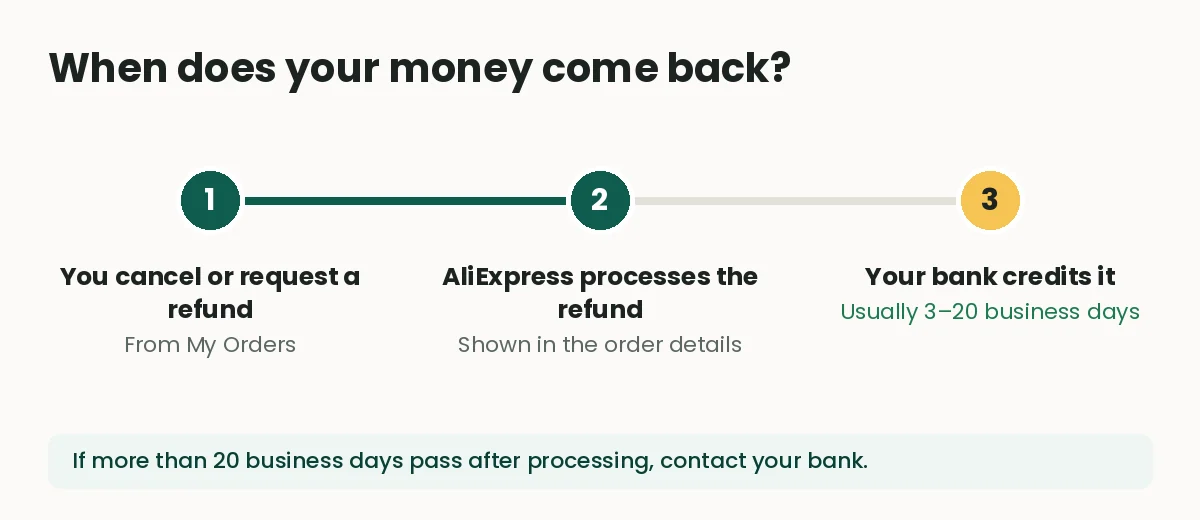
The refund goes back to the same payment method you used: if you paid by card, it returns to that card. According to AliExpress, once the refund has been processed it usually takes 3 to 20 business days to show up, depending on your bank.
To check, open the order and look at the refund details. If AliExpress shows it as processed and more than 20 business days have passed without seeing it, the next step is your bank, not the store: ask them to trace the credit using the date and amount.
Tips before you order again
- Double-check size, colour and variant in the cart before paying: that’s where most cancellations come from.
- Take a screenshot of the cancellation request and your chat with the seller. If something goes wrong later, it’s your proof.
- Compare the final price including shipping and taxes before reordering: sometimes the saving you were after isn’t there.
FAQ
How long do I have to cancel an AliExpress order?
While the order is “Awaiting payment” or “Awaiting shipment”. As soon as the seller marks it as shipped, it can no longer be cancelled.
What happens if the seller doesn’t answer my cancellation request?
If they don’t respond within 72 hours, AliExpress automatically closes the order and refunds you.
Can I cancel an order that has already shipped?
No. Once the status is “Shipped”, the cancel option disappears. You can refuse the delivery, or receive the parcel and request a return or refund.
Where does the money go when I cancel?
To the same payment method you used. If you paid by card, the refund goes back to that card.
My refund says processed but I can’t see it. What should I do?
Allow up to 20 business days from processing. After that, contact your bank with the refund date and amount.
 Keep reading · AliExpress
How to Buy on AliExpress: Payment, Buyer Protection and US Duties
Read guide →
Keep reading · AliExpress
How to Buy on AliExpress: Payment, Buyer Protection and US Duties
Read guide →