How to Track an Amazon Package: Where It Is, Tracking Numbers and What to Do If It’s Delayed
Track an Amazon order from Your Orders; Amazon says you can follow the driver on a map from 10 stops away. Find your tracking number and what to do if it’s late.
- 8 min
- 10 steps
- 8 questions
- 8 sources
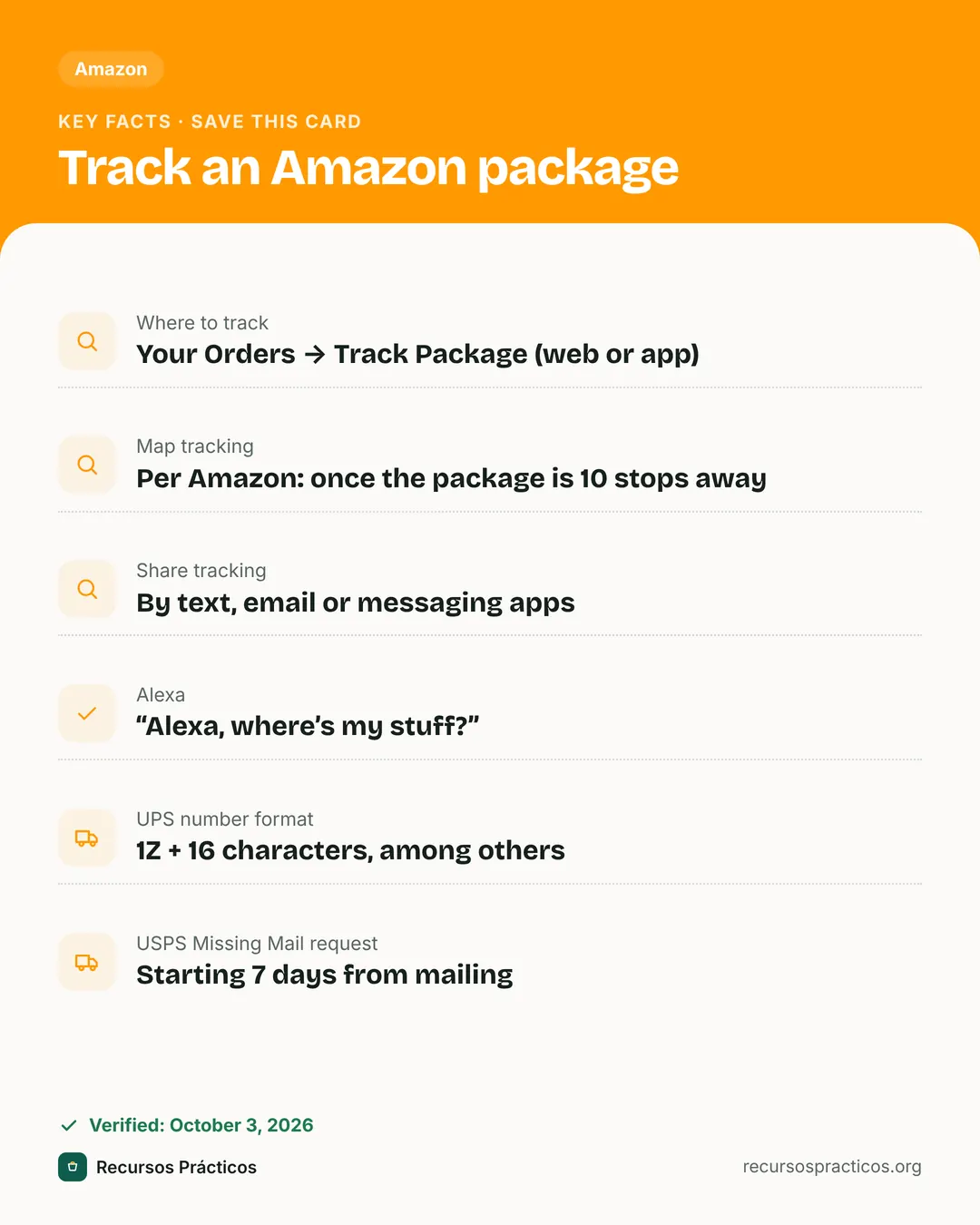
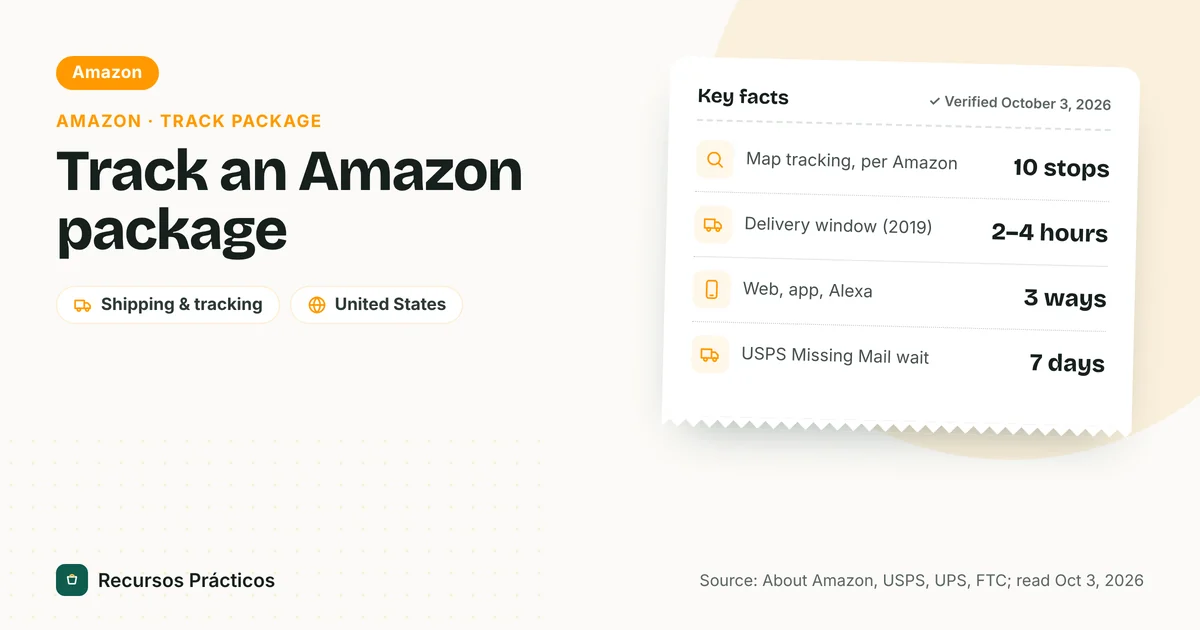
Key facts
- Where to track
- Your Orders → Track Package (web or app)
- Map tracking
- Per Amazon: once the package is 10 stops away
- Share tracking
- By text, email or messaging apps
- Alexa
- “Alexa, where’s my stuff?”
- UPS number format
- 1Z + 16 characters, among others
- USPS Missing Mail request
- Starting 7 days from mailing
 Download fact cardAn image with the key facts to save on your phone.
In this guide
- How to track an Amazon package
- Where is my Amazon package? Map tracking and delivery updates
- Track an Amazon package with Alexa
- Amazon tracking number: where to find it and what the formats mean
- Amazon package delayed: what to do
- If the carrier is USPS or UPS and nothing is moving
- My Amazon package says delivered but I don’t have it
- Quick fixes for common tracking problems
- How to avoid tracking headaches
Most Amazon packages are easy to follow. The hard part is knowing what you’re looking at: Amazon’s own delivery network, a carrier like UPS or USPS, or a third-party seller shipping on its own. Each one shows tracking a little differently, and each one has a different next step when it’s late.
Sources: About Amazon (how-to article modified Dec 30, 2025; holiday features from 2019 and 2022), the Amazon Shipping tracking page, Tom’s Guide (2019), the FTC’s business guide to the Mail, Internet, or Telephone Order Merchandise Rule (updated July 22, 2025), and the UPS and USPS help pages, all read Oct 3, 2026. Amazon’s own customer-service help pages block automated readers, so we could not verify them. The Amazon Shipping tracking page (track.amazon.com) describes a separate, seller-facing service, so its guidance on first scans and the 36-hour wait may not apply to every Amazon.com order. Features described in 2019 and 2022 sources may have changed; check what your app shows.
How to track an Amazon package
The quickest route depends on where you are. The first three come from About Amazon’s guide to tracking a package; the Alexa row comes from a separate About Amazon article.
| Where | What to tap | What you get |
|---|---|---|
| Desktop website | Amazon.com → “Returns & Orders” (top right) | Delivery status and timing for each order |
| Amazon app | Person icon (bottom) → “Your Orders” | Upcoming and past deliveries with details |
| Mobile browser | Person icon (top right) → “Track & Manage Your Orders” | Same order list in your browser |
| Alexa | Say “Alexa, where’s my stuff?” | Package status read aloud, or shown on a display |
- Go to Your Orders using one of the routes above.
- Find the order and select Track Package.
- Read the status and delivery estimate. When the package is close, the page can switch to a map.
- If you’d rather not check, set up notifications (next section).

Where is my Amazon package? Map tracking and delivery updates
When the package gets close, Amazon can show you where the driver is. About Amazon says that once a package is “10 stops away,” Amazon sends push notifications to customers who’ve opted in, and you can select “Track Package” from the Your Orders page to see the driver’s proximity and delivery timing.
A few limits are worth knowing:
- It’s for Amazon’s own deliveries. Tom’s Guide, reporting on the feature’s launch in 2019, said map tracking wasn’t available for packages shipped through traditional carriers such as UPS, FedEx or the U.S. Postal Service. It only worked for dedicated Amazon vehicles. We couldn’t find a current Amazon statement either way, so if you don’t see a map, the carrier is the first thing to check.
- It appears late. The map shows up near the end of the trip. Before that you’ll see status steps and an estimate only.
- Other features Amazon described in 2019: a Predicted Delivery Window of 2 to 4 hours, Photo-On-Delivery to show where the driver left the package, and Share Tracking by text, email or messaging apps. These are from a December 2019 Amazon release; availability today varies by order and area.
Share tracking, especially for gifts
About Amazon says the Progress Tracker page lets you share tracking details by text, email or apps such as WhatsApp. For gifts, recipients can virtually unbox the item, open the gift receipt or review it from the Amazon app. In 2019, Amazon also made Alexa “spoiler-friendly”: items marked as gifts at checkout aren’t named when you ask Alexa where your stuff is.
Track an Amazon package with Alexa
About Amazon’s Alexa shopping tips say you can ask “Alexa, where’s my stuff?” or “What’s the status of my order?” On a device with a screen you can ask Alexa to show package tracking. To get alerts, open the Alexa app and go to Settings → Notifications → Amazon Shopping, where the article says you can adjust sliders for packages out for delivery, order updates such as delays or cancellations, and delivery confirmation. That article is dated December 21, 2022, so menu names may differ in your app.
Amazon tracking number: where to find it and what the formats mean
Not every Amazon order gives you a tracking number you can paste somewhere else. For Amazon-delivered packages, the Track Package page is the tracker. For carrier-delivered ones, the carrier’s number can be used on the carrier’s site.
- Where: on the Track Package page for the shipment. Third-party guides say the tracking ID is shown on the shipment details page; the layout varies by order, and if you don’t see one, Amazon may not expose it for that shipment.
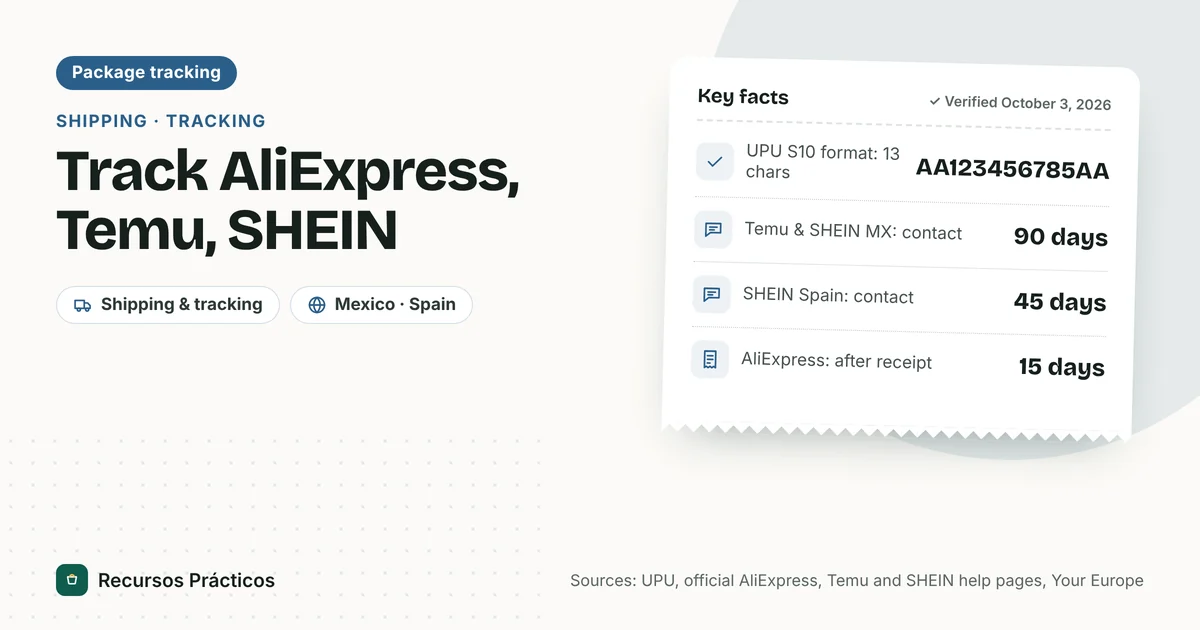
- UPS numbers: UPS lists its standard formats as 1Z followed by characters (1Z9999999999999999), 12 digits, T plus 10 digits, or 9 digits.
- Amazon’s own IDs: consumer tracking sites describe Amazon Logistics numbers as starting with “TBA” and say they don’t work on UPS, USPS or FedEx sites. We couldn’t confirm that on an Amazon page, so treat it as a common observation, not an Amazon statement.
- Seller-shipped orders: a seller may add its own carrier and number. Amazon also runs a separate “Amazon Shipping” tracker at track.amazon.com where you enter a tracking ID. That page describes the process as three stages: you place an online order, the package is out for delivery, and Amazon Shipping delivers it.
Amazon package delayed: what to do
Delivery estimates move. Before you worry, work through this list in order.
- Re-check Your Orders. Look at the delivery estimate and status. A changed date is Amazon’s updated estimate.
- Look for a scan gap. The Amazon Shipping page (a separate seller-facing service) notes that the first package scan may not happen until the package reaches a regional hub, or may occur only on final delivery, because of high shipping volume. A quiet tracker isn’t proof of a lost package.
- Check the carrier. UPS says its drivers can generally deliver as late as 9 p.m., and later in the holiday season. If a package marked “out for delivery” can’t be delivered, UPS attempts another delivery the next business day.
- Check “undelivered” reasons. The same Amazon Shipping page lists no secure location, no access to the address (missing codes, call box numbers or buzzer info), and items too large for a P.O. box.
- Contact Amazon or the seller. For seller-shipped orders, contact the seller through your order; for orders Amazon ships, contact Amazon customer service.
- Know your rights if the delay is long. See the FTC rule below.
What the FTC rule says about late shipments
The FTC’s Mail, Internet, or Telephone Order Merchandise Rule covers most goods ordered online. Key points from the FTC’s business guide:
- If an ad doesn’t state a shipping time, the seller must have a reasonable basis to ship within 30 days of receiving a properly completed order (the guide notes 50 days when the buyer applies for credit to pay for the order). Amazon shows a delivery estimate on orders, so this default may not apply to your order.
- If a seller can’t ship on time, it must tell you and give you the choice to agree to the delay or cancel for a refund. The notice must offer a definite new shipping date or say the seller can’t say how long the delay will be.
- For a delay of more than 30 days, or an indefinite one, the buyer is treated as having rejected it unless the seller gets express consent within 30 days.
- Refunds are due within 7 working days for non-credit payments, or one billing cycle for credit sales.
If the carrier is USPS or UPS and nothing is moving
For a USPS shipment, a Missing Mail search request can be submitted “starting 7 days from mailing.” You’ll need the sender and recipient addresses, the size and type of container, the USPS tracking number or mailing receipt, a description of the contents, and pictures that could help USPS recognize the item. USPS confirms by email and sends periodic updates; it says recovery isn’t guaranteed. That process is built around the mailer, so as the buyer start with Amazon or the seller.
For UPS, use the UPS tracking number on ups.com or in the UPS app; UPS’s support page lists the formats above and the delivery-hours details.
My Amazon package says delivered but I don’t have it
That’s a separate problem with its own steps. The Amazon Shipping page (a separate seller-facing service, so treat this as a guide, not a rule for every order) recommends checking for delivery notices, the delivery spot and mailbox, whether someone else accepted it, and any photo confirmation. It says that if you still can’t find it after 36 hours, contact the seller. For the full process, see what to do when a package is delivered but not received.
Quick fixes for common tracking problems
| Problem | Likely cause (per sources) | What to try |
|---|---|---|
| No map shows | Package not close yet, or shipped by a carrier rather than an Amazon driver | Check Your Orders again later; use the carrier’s number |
| Tracker hasn’t updated | First scan may wait for a regional hub or final delivery | Give it time; check the estimate |
| “Out for delivery” but it didn’t arrive | Drivers can deliver late; UPS reattempts the next business day | Look again the next day |
| Undelivered | No safe spot, no address access or item too big for a P.O. box | Add access codes and delivery notes; contact seller |
| Delivered, not received | Wrong spot or someone else accepted it | Follow the delivered-not-received steps |
How to avoid tracking headaches
- Turn on notifications in the Amazon app so you get the “10 stops away” alert, and in the Alexa app for out-for-delivery and delay alerts.
- Add access details (gate codes, call box or buzzer numbers) so the driver isn’t blocked.
- Check who ships it before ordering time-sensitive items: a seller-shipped order can use a different carrier and tracking number.
- If the order ends in a return or refund, see Amazon refund time.
FAQ
How do I track an Amazon package?
Go to Your Orders on Amazon.com or in the Amazon app and select Track Package on the order. On the website, use “Returns & Orders” at the top right; in the app, tap the person icon, then Your Orders.
Where is my Amazon package right now?
Check the status and estimate on Track Package. Once it’s 10 stops away, Amazon says opted-in customers get a push notification and can follow the driver on a map.
Can I track an Amazon package without logging in?
If you have a carrier tracking number (for example a UPS 1Z number), you can use that carrier’s site. For Amazon’s own deliveries, we couldn’t confirm a login-free tracker from an Amazon page.
What does an Amazon tracking number look like?
It depends on the carrier. UPS lists formats such as 1Z plus 16 characters, 12 digits, T plus 10 digits, or 9 digits. Consumer tracking sites say Amazon’s own IDs start with TBA, but we couldn’t confirm that on an Amazon page.
Why is my Amazon package delayed?
Common causes include late scans, high shipping volume, no safe delivery spot or no access to the address. Check the delivery estimate first, then the carrier, then contact Amazon or the seller.
Why hasn’t my Amazon tracking updated?
The Amazon Shipping page (a separate, seller-facing service) says the first scan may not happen until the package reaches a regional hub, or may occur only at final delivery, because of high volume.
Can I track an Amazon package with Alexa?
Yes. Ask “Alexa, where’s my stuff?” or “What’s the status of my order?” You can enable delivery notifications in the Alexa app under Notifications → Amazon Shopping, per About Amazon (2022).
What if my Amazon order shows delivered but isn’t here?
Check the delivery spot, mailbox, neighbors and any photo confirmation. If it’s still missing after 36 hours, the Amazon Shipping page (a separate, seller-facing service) says to contact the seller; your order page is the authority for Amazon.com orders. See our delivered-not-received guide.
 Keep reading · Amazon
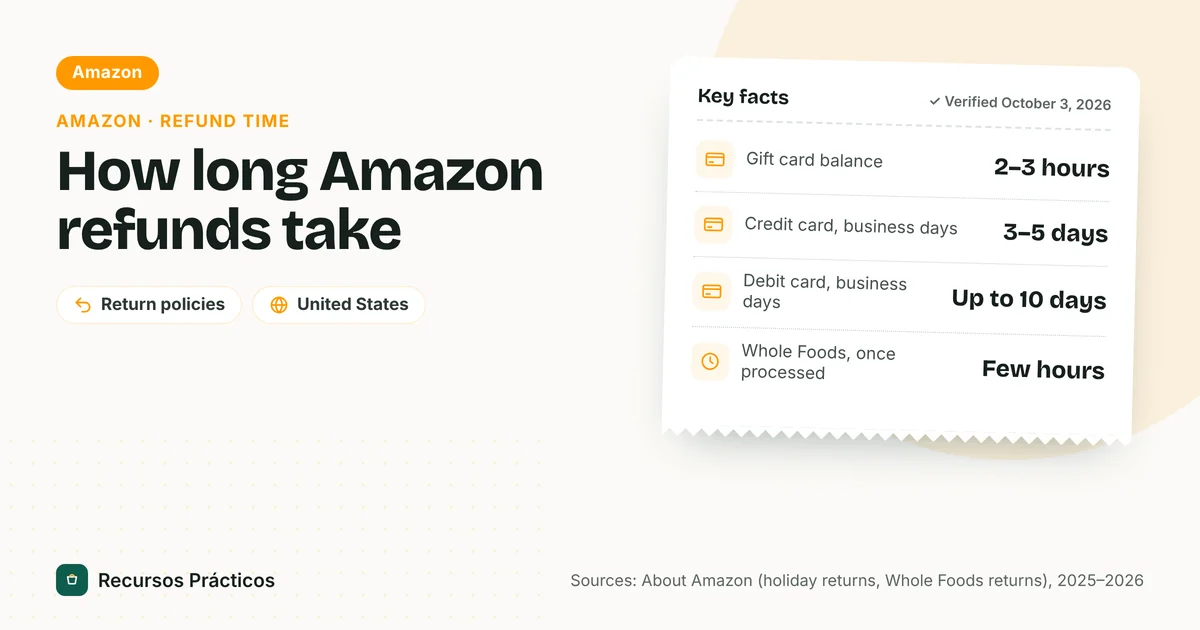
How Long Does an Amazon Refund Take? Timelines by Payment Method
Read guide →
Keep reading · Amazon
How Long Does an Amazon Refund Take? Timelines by Payment Method
Read guide →
Sources
- About Amazon — How to track an Amazon package (modified Dec 30, 2025)
- About Amazon — 5 tips for using Alexa to keep track of your holiday shopping (Dec 2022)
- Amazon press release — Holiday deliveries: map tracking, Photo-On-Delivery, Predicted Delivery Window (Dec 2019)
- Amazon Shipping — Track a package
- Tom’s Guide — Amazon map tracking (Dec 2019, press)
- FTC — Business guide to the Mail, Internet, or Telephone Order Merchandise Rule
- UPS — Tracking support
- USPS — Missing Mail