How to Track a Package: USPS, UPS, FedEx, DHL, Amazon and OnTrac
Find your tracking number, open the official USPS, UPS, FedEx, DHL, Amazon or OnTrac page, and see what statuses mean and when tracking has been stuck too long.
- 10 min
- 6 steps
- 8 questions
- 12 sources
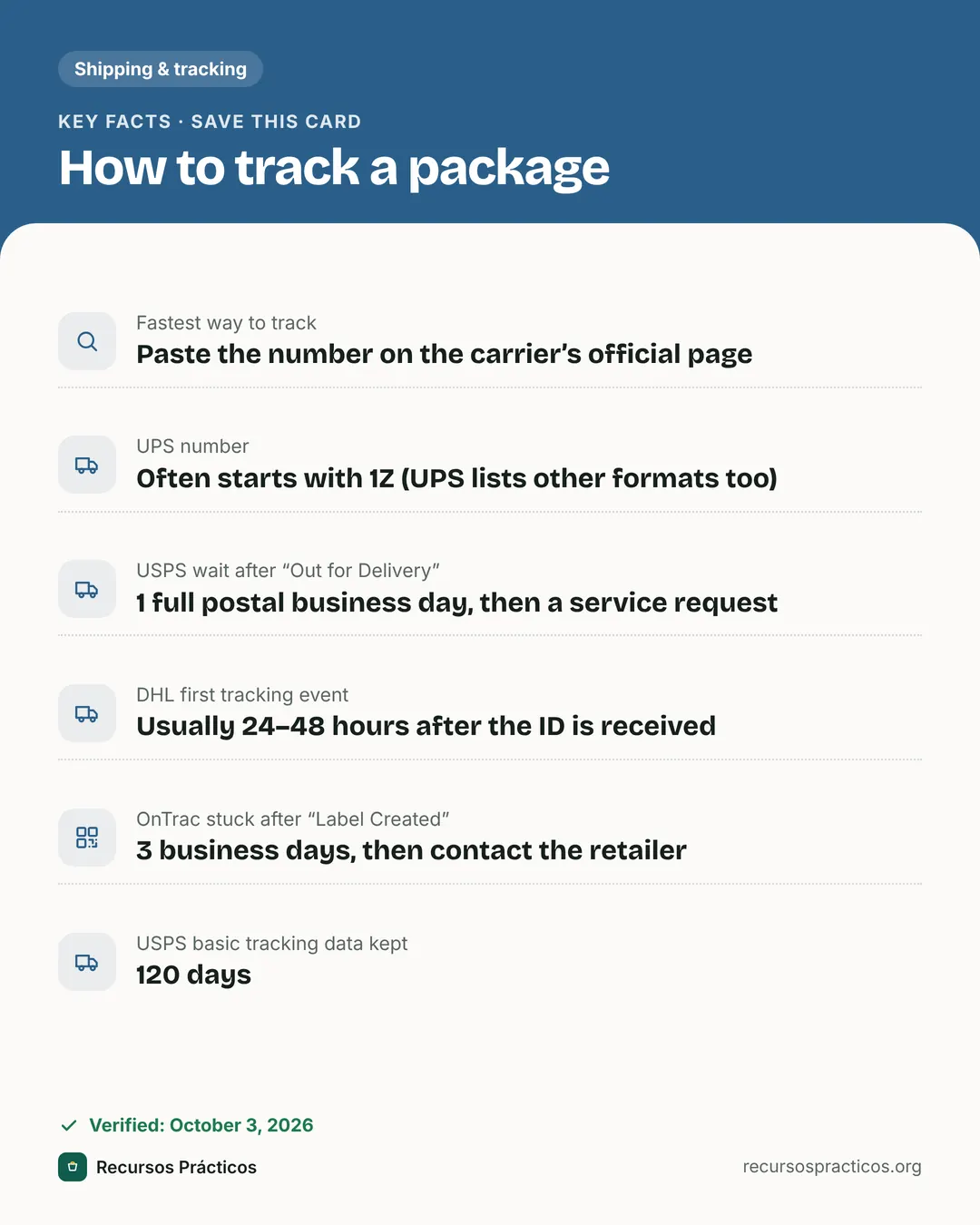
Key facts
- Fastest way to track
- Paste the number on the carrier’s official page
- UPS number
- Often starts with 1Z (UPS lists other formats too)
- USPS wait after “Out for Delivery”
- 1 full postal business day, then a service request
- DHL first tracking event
- Usually 24–48 hours after the ID is received
- OnTrac stuck after “Label Created”
- 3 business days, then contact the retailer
- USPS basic tracking data kept
- 120 days
 Download fact cardAn image with the key facts to save on your phone.

In this guide
- How to track a package
- Where to find your tracking number
- Tracking by carrier: official pages, formats and waiting times
- How to track a UPS package
- How to track an Amazon package
- USPS tracking not updating: what to do
- If tracking shows “Label Created” and nothing else
- Tracking packages from overseas stores
- Common tracking mistakes
- Who to contact first
Tracking sounds simple until the page says “In Transit” for a week, or the number you were given does not seem to work anywhere. This guide covers how to find and read tracking for the six carriers most US shoppers deal with, using each carrier’s own published rules rather than guesses about how long is “normal.”
Sources, all read on October 3, 2026: USPS FAQ articles (Where is my package? Tracking Status Help; USPS Tracking: The Basics; How to find your tracking number; Missing Mail: The Basics) and the USPS missing-mail help page; UPS Tracking Support; the FedEx tracking and support pages; the DHL tracking page and DHL eCommerce Tracking FAQ; and the OnTrac FAQ. Amazon’s help pages could not be opened by our research tools, so Amazon status definitions and waiting windows are not stated as fact here. UPS does not publish a “this many days in transit is too long” rule, and USPS gives none for its In Transit status, so we don’t invent one.
How to track a package
- Find the tracking number. It is in the shipping confirmation email, on the order page of the store, on a mailing receipt, or on the label.
- Work out the carrier. The order page usually names it. If it does not, the format of the number can help (see the table below), or paste it into our package tracker, which detects UPS and international postal numbers and opens the official carrier page.
- Open the official tracking page for that carrier and paste the number exactly as written.
- Read the latest scan and its status. A package only updates when a label is scanned, so a quiet page does not always mean a lost package.
- Turn on alerts (USPS text/email updates, UPS My Choice, FedEx Delivery Manager) so you are told about each scan instead of refreshing the page.
- If it stalls, use the thresholds in the table below, then contact the shipper or the carrier.

Where to find your tracking number
USPS lists the places to look: the sales or mailing receipt, the online label record if you bought postage through a service such as Click-N-Ship or eBay, the number printed below the barcode on the mailed item, the Informed Delivery dashboard for subscribers, and an email receipt. Two limits from USPS are worth knowing. Postcards and First-Class Mail letters without extra services have no tracking number, and USPS says that Care Center agents and local Post Offices cannot recover a lost tracking number. If you are the recipient, the sender or store is your source for the number.
For online orders the number usually appears a day or more after you order, once the seller prints a label. Until the carrier scans the package, tracking may show only that a label exists (see “Label Created” below).
Tracking by carrier: official pages, formats and waiting times
| Carrier | Official place to track | Number format, as the carrier documents it | When the carrier says to reach out |
|---|---|---|---|
| USPS | USPS Tracking on usps.com, text updates, the USPS mobile app | Printed below the barcode. USPS points to examples on its Tracking page but its help article does not state a length. | Out for Delivery: 1 full postal business day. Arrived at Post Office: 1 full postal business day. No Access to Delivery Location: more than 24 hours. Delivered but missing: more than 1 postal business day. |
| UPS | ups.com/track, UPS My Choice | UPS lists: 1Z followed by 16 characters (1Z9999999999999999), 12 digits, T plus 10 digits, and 9 digits. Freight and Mail Innovations numbers have their own formats. | No “days in transit” rule published. If the first attempt failed, the driver leaves a delivery notice. |
| FedEx | fedex.com tracking, FedEx Mobile app, Delivery Manager | Tracking, reference, FedEx Office order and door-tag numbers all work on the tracking page. FedEx does not state a length there. | If a U.S. package is delayed by at least one day, you can start a support ticket from Manage Delivery on the tracking details page. |
| DHL | dhl.com tracking | DHL’s tracking page accepts IDs of at least 5 characters. For DHL eCommerce, DHL says tracking numbers range from 10 to 39 characters. | First event usually appears 24–48 hours after the ID is received. DHL eCommerce: if nothing arrives within 10 days past the expected delivery date, contact the merchant. |
| Amazon | The shipment in Your Orders in your Amazon account | Not verified (Amazon’s help pages were not readable in our research). | Not verified. Use the “Get help” or “Track package” options on the order itself. |
| OnTrac | ontrac.com tracking, Wink virtual assistant | OnTrac says its numbers begin with C, D, 1LS, LS, LX or BN. | No change 3 business days after “Label Created”: contact the retailer. Delivered but missing: if no progress after 2 business days, contact the retailer. |

How to track a UPS package
Go to ups.com/track, enter the number and read the tracking details. UPS says each time your package’s label is scanned, the update appears in those details. The valid formats UPS lists on its Tracking Support page are 1Z + 16 characters, 12 digits, T + 10 digits and 9 digits, plus separate formats for freight (PRO numbers, house air waybills, house bills of lading) and for Mail Innovations (USPS confirmation numbers and 18-digit sequence numbers).
Two practical points from UPS:
- If the first delivery attempt failed, the driver leaves a delivery notice saying so. Check your door before assuming the package vanished.
- UPS My Choice gives alerts on incoming packages, your delivery window, photo proof of delivery and options to reschedule.
UPS also warns that real UPS messages come from ups.com or billing.ups.com addresses. A text about a “missed delivery” with a link to some other domain is a phishing risk; type the number into ups.com yourself instead.
How to track an Amazon package
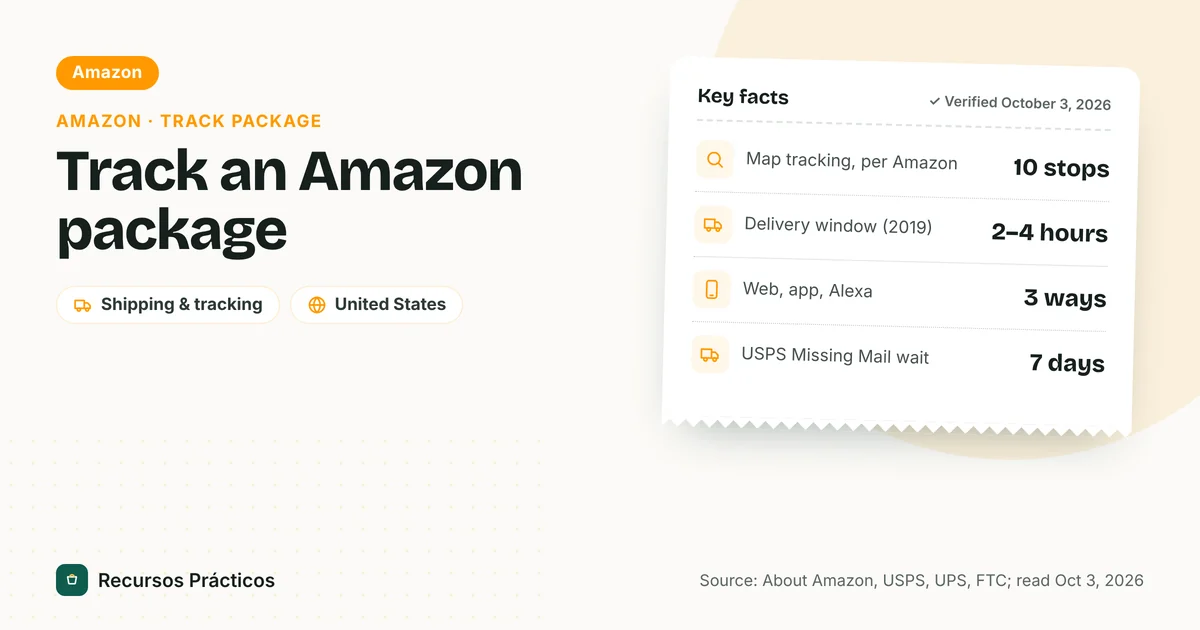
For orders placed on Amazon, start in your Amazon account, open Your Orders and use the tracking option on the shipment. Amazon has separate help pages for tracking your package, map tracking and photo on delivery, but those pages could not be read in our research, so we are not quoting their status definitions or time limits. Two things to know that don’t depend on them:
- Who ships it matters. Items sold by a third-party seller can be handed to UPS, USPS, FedEx or another carrier. If the order page shows a carrier and number, you can paste it into the carrier’s page or our tracker.
- If an Amazon package is late or marked delivered and missing, use the help options on the order. Our separate guide covers what to do after a “delivered” scan: package says delivered but not received. For more on Amazon orders specifically, see how to track an Amazon package.
USPS tracking not updating: what to do
USPS says tracking updates as the label is scanned “several times throughout the mailstream,” and that scanning information is updated throughout the day as scans become available. When a scan is skipped or delayed, the page just sits there. USPS’s own guidance depends on the exact status:
| USPS status | What USPS says it means | When USPS says to act |
|---|---|---|
| Shipping Label Created / Pre-Shipment Info Sent | A label with a tracking number exists. The package has not yet been given to USPS. | Contact the shipper. No time limit given. |
| USPS in Possession of Item | USPS received or picked up the package and is starting to process it. | No action needed. |
| In Transit / Arrived at or Departed USPS Facility | The package is being processed or moved to the delivering Post Office. | No time limit given; sign up for text or email updates. |
| Arrived at Post Office | The package is at your Post Office and being prepared for delivery. | No change after 1 full postal business day: submit a service request. |
| Out for Delivery | The package is prepared for delivery by a carrier today. | Not delivered after 1 full postal business day: submit a service request. |
| Awaiting Delivery Scan / Delivery Status Not Updated | A Delivered status was not recorded by 9 p.m. local time on the Out for Delivery date. | Expect delivery the next business day; if more than 1 full postal business day has passed, submit a service request. |
| No Access to Delivery Location | The carrier could not reach the mailbox or porch (blocked vehicle, animals, gated community, locked building and similar). | Redelivery is attempted the next business day; if more than 24 hours have passed, submit a service request. |
| Notice Left (No Authorized Recipient / No Secure Location) | A signature was needed, or the carrier saw no secure place to leave it; PS Form 3849 was left. | Schedule redelivery, pick it up or request return to sender before the time limit printed on the notice. |
Notice what is missing: USPS names no number of days after which “In Transit” counts as stuck. The nearest official step is the Missing Mail search, which you can submit starting 7 days after mailing at missingmail.usps.com. USPS recommends checking tracking first, and says representatives cannot submit the request for you. That process, the claims route and the other steps are in our delivered-but-not-received guide.
If tracking shows “Label Created” and nothing else
This is the most common worry on online orders. For USPS, the status means the label exists and the package has not yet been given to USPS, so the person to ask is the shipper. OnTrac’s FAQ makes the same point: Label Created means OnTrac has not received your package yet, and if the status has not changed after 3 business days you should contact your retailer (you can also open a ticket through Wink). DHL says tracking events usually show up 24–48 hours after DHL receives the ID, and DHL eCommerce uses milestone tracking, so updates can be sparse while the parcel is moving.
Tracking packages from overseas stores
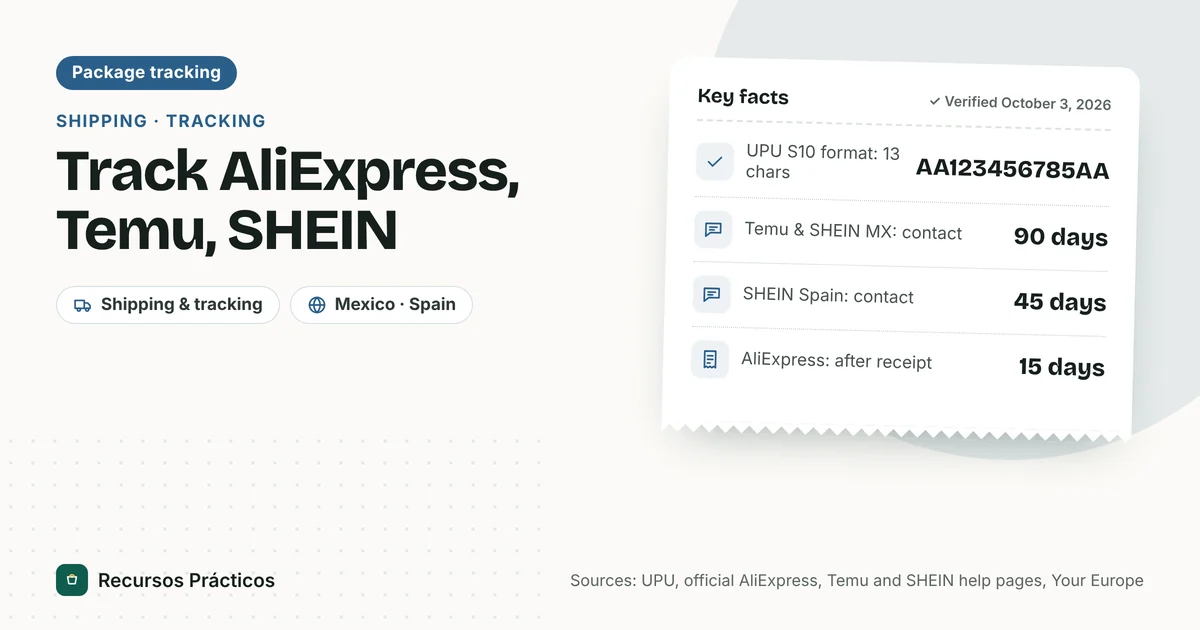
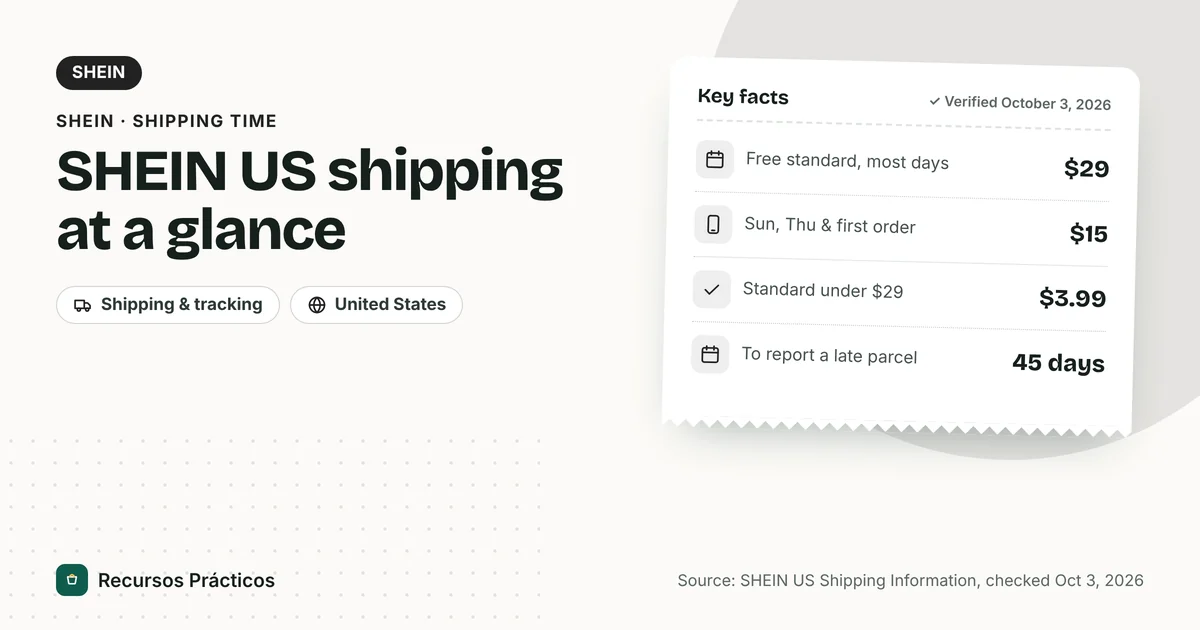
Orders from international marketplaces often get a new number or hand off to a US carrier after landing. If the original number stops updating, look in the order details for a second number before assuming something went wrong. Our SHEIN shipping time guide explains the handoff for that store, and the package tracker validates the check digit on international postal numbers (13 characters like two letters, nine digits, two letters) and shows the issuing country.
Common tracking mistakes
- Typing the wrong number. Copy and paste instead of retyping; spaces are usually fine.
- Using a reference number. FedEx accepts reference numbers, but an order number from a store is not a carrier tracking number.
- Using the wrong carrier’s site. A number that works on one carrier’s site gives “not found” on another. When unsure, check the order email for the carrier name.
- Assuming a quiet page means lost. Packages can go many hours between scans, and USPS says the page updates only as scans become available.
- Clicking links in texts. Go to the carrier’s site yourself.
Who to contact first
The carrier’s pages are consistent on this: for a package that has not moved, the shipper or retailer is usually the first contact (OnTrac, DHL and USPS all say so for pre-shipment or merchant-handled issues), because the shipper is the carrier’s customer. For a package that is out for delivery or marked delivered, USPS lets you submit a service request and FedEx has a Report Missing Package option on the tracking page, while UPS tells receivers to contact the sender to start an investigation. Keep your tracking number, order number and screenshots together before you start.
FAQ
How do I track a package?
Find the tracking number in your shipping email or order page, then paste it into the carrier’s official tracking page: USPS, UPS, FedEx, DHL or OnTrac. For Amazon orders, open Your Orders in your Amazon account. Our package tracker can help identify the carrier.
How do I track a UPS package?
Enter the number at ups.com/track. UPS lists 1Z + 16 characters, 12 digits, T + 10 digits and 9 digits as valid formats. UPS My Choice adds alerts and photo proof of delivery.
How do I track an Amazon package?
Open Your Orders in your Amazon account and use the tracking option on the shipment. If a carrier name and number are shown, you can also track on the carrier’s own site. We could not verify Amazon’s status definitions or time limits.
Why is USPS tracking not updating?
USPS updates tracking only when the label is scanned. A skipped scan leaves the page unchanged. USPS says to submit a service request if a package is still undelivered 1 full postal business day after Out for Delivery or Arrived at Post Office. A Missing Mail search can be filed starting 7 days after mailing.
How long can tracking stay stuck before I should worry?
It depends on the status. USPS: 1 full postal business day after Out for Delivery. OnTrac: 3 business days after Label Created. FedEx: you can open a support ticket once a U.S. package is delayed at least one day. DHL eCommerce: 10 days past the expected delivery date. UPS does not publish a number.
What does “Label Created” mean?
For USPS it means a shipping label with a tracking number has been created and the package has not yet been given to USPS. OnTrac says it means OnTrac has not received the package. Ask the shipper if it does not change.
Can I track a package without a tracking number?
Not directly. USPS says Care Center agents and local Post Offices cannot recover a lost tracking number, and postcards and First-Class letters without extra services have none. Ask the sender or store, or check your Informed Delivery dashboard if you use it.
How long does USPS keep tracking information?
USPS says basic USPS Tracking data is retained for 120 days.
 Keep reading · Shipping & tracking
Package Says Delivered but Not Received: What to Do (USPS, UPS, FedEx, Amazon)
Read guide →
Sources
- USPS FAQ — Where is my package? Tracking Status Help
- USPS FAQ — USPS Tracking: The Basics
- USPS FAQ — How to find your tracking number
- USPS FAQ — Missing Mail: The Basics
- USPS — Missing Mail and Lost Packages
- UPS — Tracking Support
- UPS — Where’s My Package
- FedEx — Tracking
- FedEx — Delayed or lost packages
- DHL — Tracking
- DHL eCommerce — Tracking and Shipment Status FAQ
- OnTrac — FAQ